RUFUS Cloud is the central hub where all your sports timing operations converge. Whether you are using the RUFUS CloudBox, the RUFUS Race App, or integrating custom devices through the RUFUS Public API, RUFUS Cloud unifies every component into a single, powerful platform.
With seamless integration into RUFUS Race Manager (RRM) and the RUFUS Event App, you can manage race operations, capture timing data, control devices, and publish live results from one connected ecosystem.
RUFUS Cloud is designed to be your complete timing infrastructure — enabling organizers to run fully connected events from field operations to final results with reliability and control.
The Complete Timing Ecosystem
At the heart of the RUFUS platform lies a tightly connected ecosystem of tools and services. Each component plays a specific role in delivering a modern race experience.
RUFUS Race App
The RUFUS Race App is a lightweight judge application designed for race-day field operations.
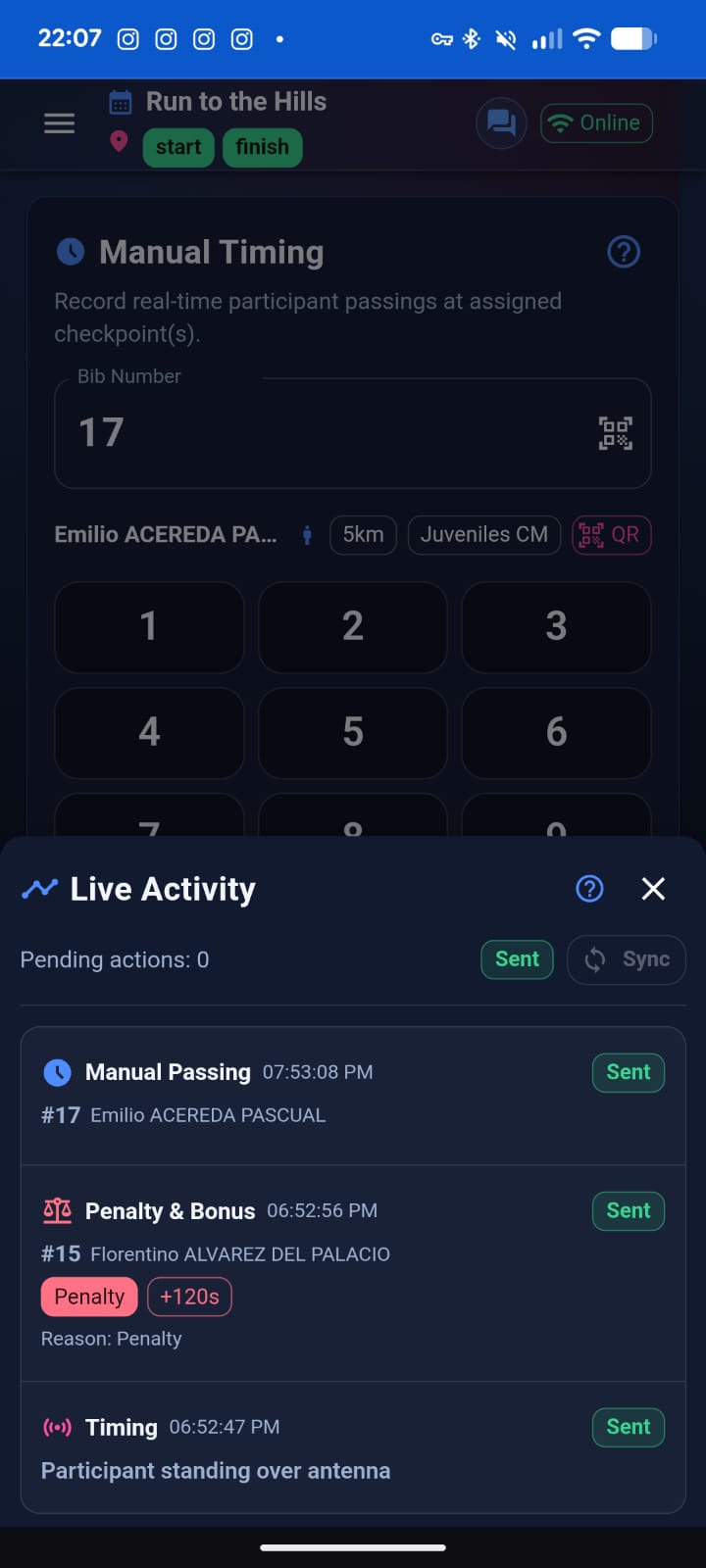
It allows judges to:
- Capture manual passings
- Apply penalties and bonuses
- Send race alerts
- Coordinate via Team Chat
Each Race App instance behaves like a Cloud-managed device with:
- Token-based access
- Session traceability
- Real-time synchronization with Race Manager
It is optimized for mobile use and works online or offline with automatic data synchronization.
RUFUS CloudBox
RUFUS CloudBox is our dedicated RFID timing device.
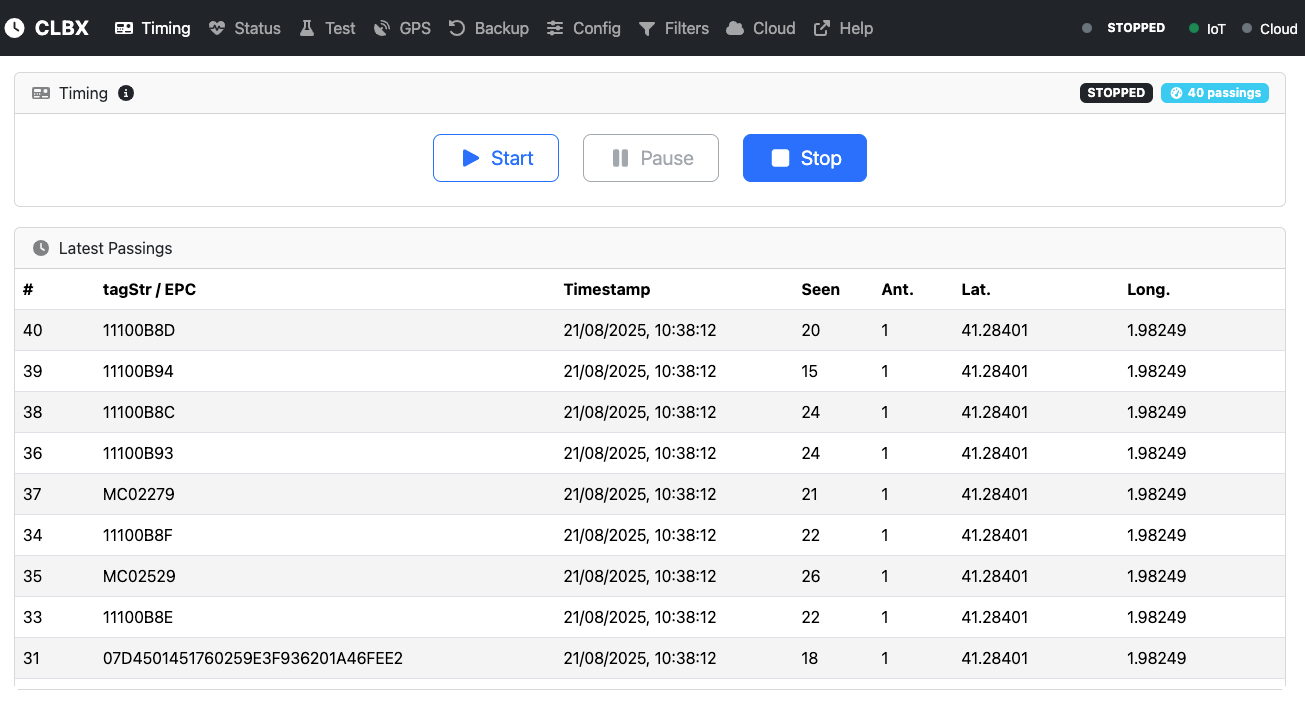
It connects RFID readers and transmits passings directly to RUFUS Cloud. CloudBox provides:
- Reliable RFID ingestion
- Live device monitoring
- Internet and local network operation modes
- Automatic synchronization when connectivity is restored
CloudBox is designed for high-accuracy automated timing in both simple and complex race setups.
RUFUS Public API
Built for developers, integrators, and hardware vendors, the RUFUS Public API allows you to connect custom timing devices or external software to the RUFUS ecosystem.
Through the Public API, you can:
- Bind devices to RUFUS Cloud
- Send passings
- Retrieve timing data
- Access session and device information
Custom devices can operate alongside native RUFUS devices within the same event, maintaining a unified data structure and workflow.
RUFUS Race Manager
Available as a web application and as a Windows and macOS desktop application, RUFUS Race Manager (RRM) is the operational control center for race organizers.
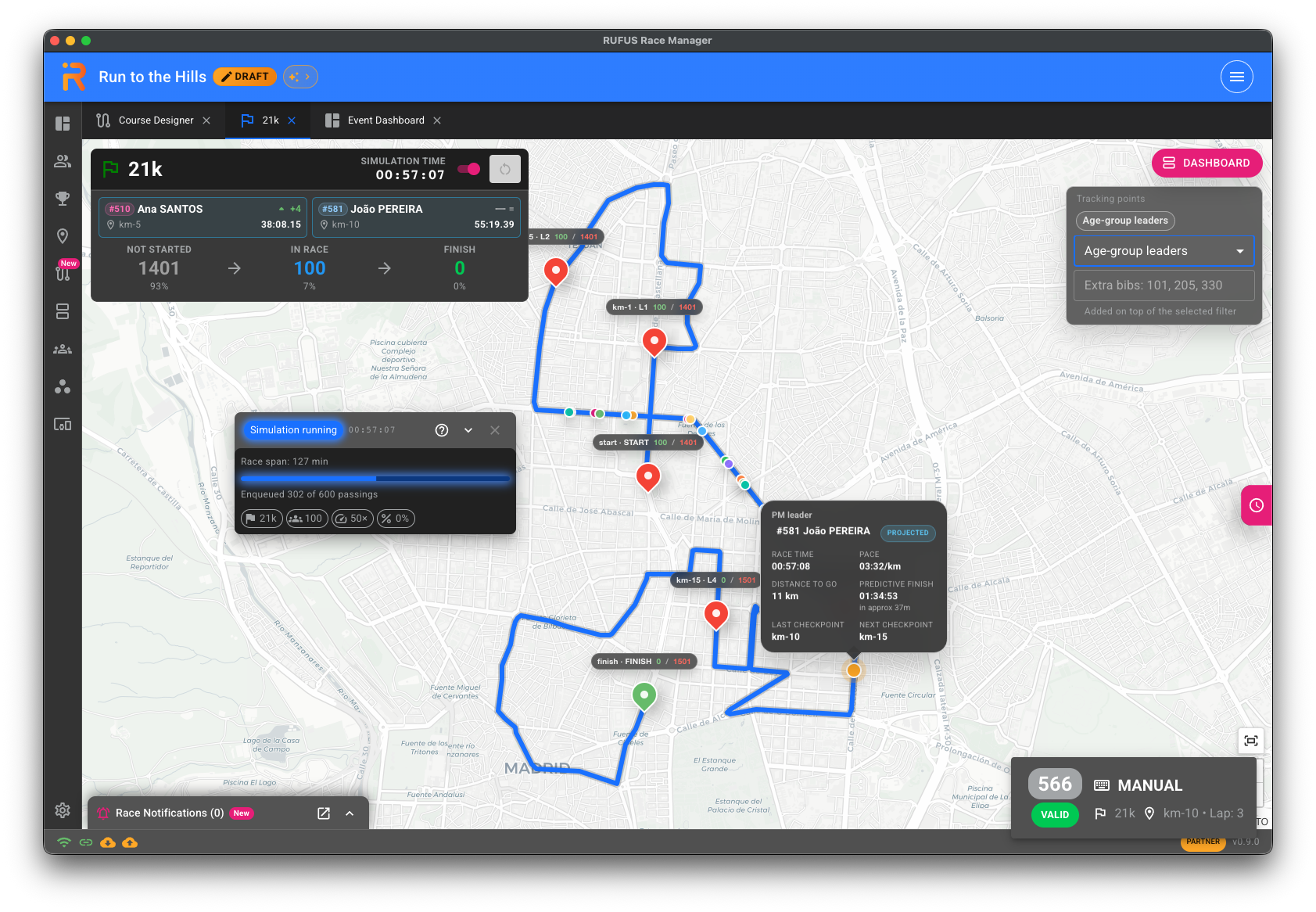
Race Manager allows you to:
- Manage participants and race configuration
- Assign Cloud devices to checkpoints
- Monitor passings and Race App actions
- Control processing states
- Apply classification logic
- Publish results
With RUFUS Cloud integration, you can combine online and offline workflows seamlessly, connecting local devices and cloud-enabled devices within the same event.
RUFUS Event App
The RUFUS Event App is the audience-facing layer of the ecosystem.
It provides:
- Live results
- Participant lists
- Checkpoint tracking
- Notifications
- Personalized statistics
- Digital diplomas
- Event publication pages
Fully synchronized with RUFUS Cloud and Race Manager, it extends race-day operations directly to participants and spectators.
Timing with RUFUS Cloud
Timing in RUFUS Cloud is designed to be flexible, scalable, and device-agnostic.
Native timing devices include:
- RUFUS CloudBox (RFID automated timing)
- RUFUS Race App (manual timing and race operations)
Both connect seamlessly to RUFUS Race Manager, whether you are working in a browser or using the desktop version.
You can run your timing workflow:
- Fully online
- Fully offline (with later synchronization)
- Or in hybrid environments
All data remains synchronized across devices, Cloud, and Race Manager.
For teams using their own timing hardware or custom software, the Public API extends the ecosystem even further. By binding your devices to RUFUS Cloud, you gain access to:
- Live monitoring
- Passings ingestion
- Session management
- Device assignment
- Cloud publishing
- Unified audit traceability
This unified architecture ensures that native and custom devices operate harmoniously within the same event, giving you full flexibility to design the timing setup that best fits your needs.
Want to Know More?
Explore the related documentation: